Forensics
There were three questions related to forensics which involved analysing and finiding out data hidden in certain images.
Pixelated Secrets 1
Image
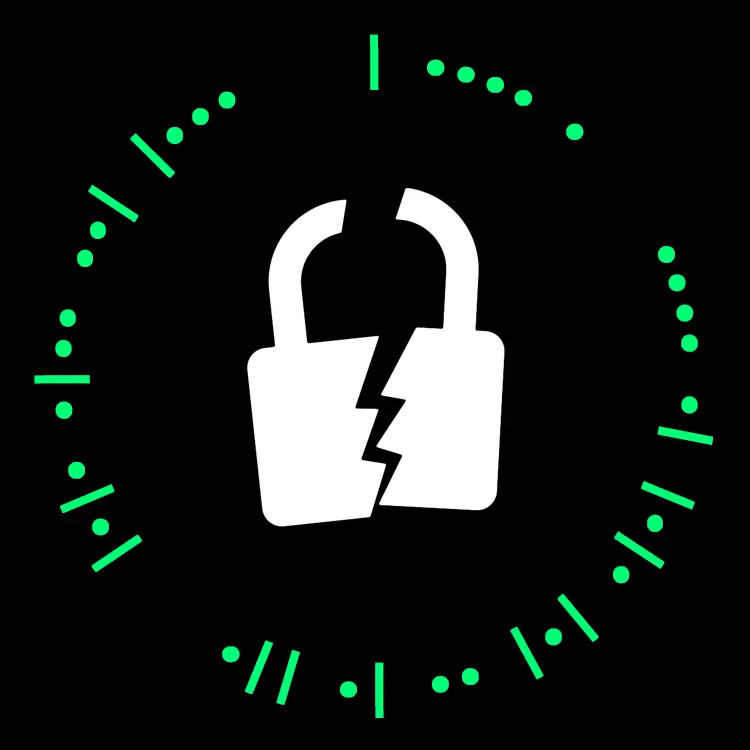
We were provided with the following image:
Approach
This is a classic case of steganography and so when you directl run zsteg on the image because there is a bit of zlib compressed data in the file, you directly get the data hidden in the image.
You can install zsteg from this link: https://github.com/zed-0xff/zsteg
You just have to run the command:
zsteg easy_version.png -b 1 -o yx -vThe terminal output will be:

The answer is therefore:
CTF{22s05a2005}Uber Bug Bounty
Files
We were provided with a ctf.Challenge.Gbx.
Approach
strings ctf.Challenge.Gbxshows that there are certain files related to Nadeo and Trackmania. If you have Trackmania, you can directly load the file as a save file and see the image.
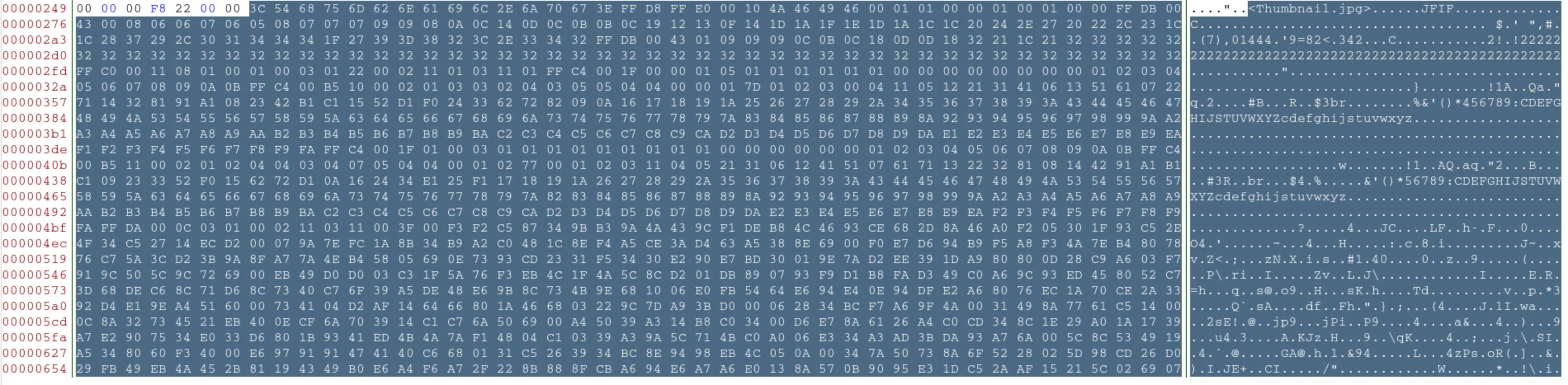
Otherwize you can notice that there exists a Thumbnail.jpg image inside the file which you can extract using a Hex Editor like Bless.
When we open the file we have the following thumbnail:
After saving the binary, we get the following jpg file:
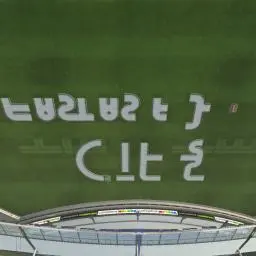
The words written on the image are:
CTF{FASTASF}Pixelated Secrets 2
Image
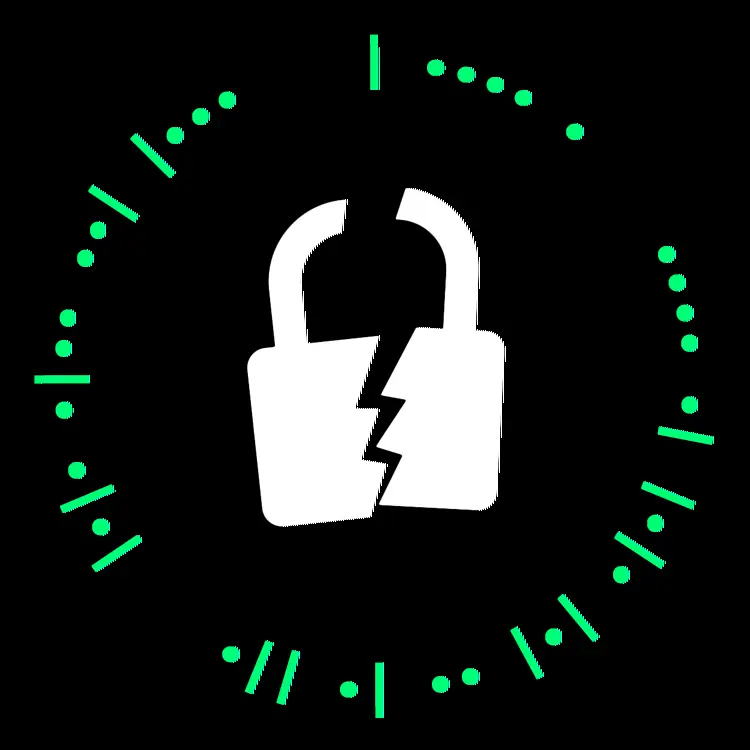
We were provided with the following image:
Approach
After trying out a lot of zsteg based commands we were left with nothing useful, that could lead us to a flag.
Then we tried to analyse the bit planes of the image and found out some interesting data in the Red 0 bit plane:

I then proceeded to open the bit plane image in gimp and started counting the dots as 1 and the blanks as 0. Soon I noticed that we were supposed to select only alternate bits and then started writing down the bits.
I noticed that it looked like ASCII code and then used that realization to convert it to the flag.
Later I noticed that I could have done this in python using the code written below:
from PIL import Image

def open_image(file_path):
    return Image.open(file_path)


def get_pixel_values(image, row):
    return [image.getpixel((x, row))[2] for x in range(image.width)]

def extract_binary_data(pixel_values):
    return ''.join(map(str, pixel_values))

def decode_binary_string(binary_string):
    return ''.join(chr(int(binary_string[i*8:i*8+8], 2)) for i in range(len(binary_string)//8))

def main():
    image_path = 'hard_version.png'
    image = open_image(image_path)

    row_to_extract = 0
    pixel_values = get_pixel_values(image, row_to_extract)
    binary_data = extract_binary_data(pixel_values)
    res = ''.join(binary_data[x] for x in range(1, len(binary_data), 2))
    decoded_message = decode_binary_string(res)

    print(decoded_message)

if __name__ == "__main__":
    main()
You can also refer to: https://web.iiit.ac.in/~rinishsam.i/buzzoverflow-writeups/#/?id=pixelated-secrets-2 for his shorted and more elegant approach.
The flag is:
CTF{S3cure_22}